1
Create the quote
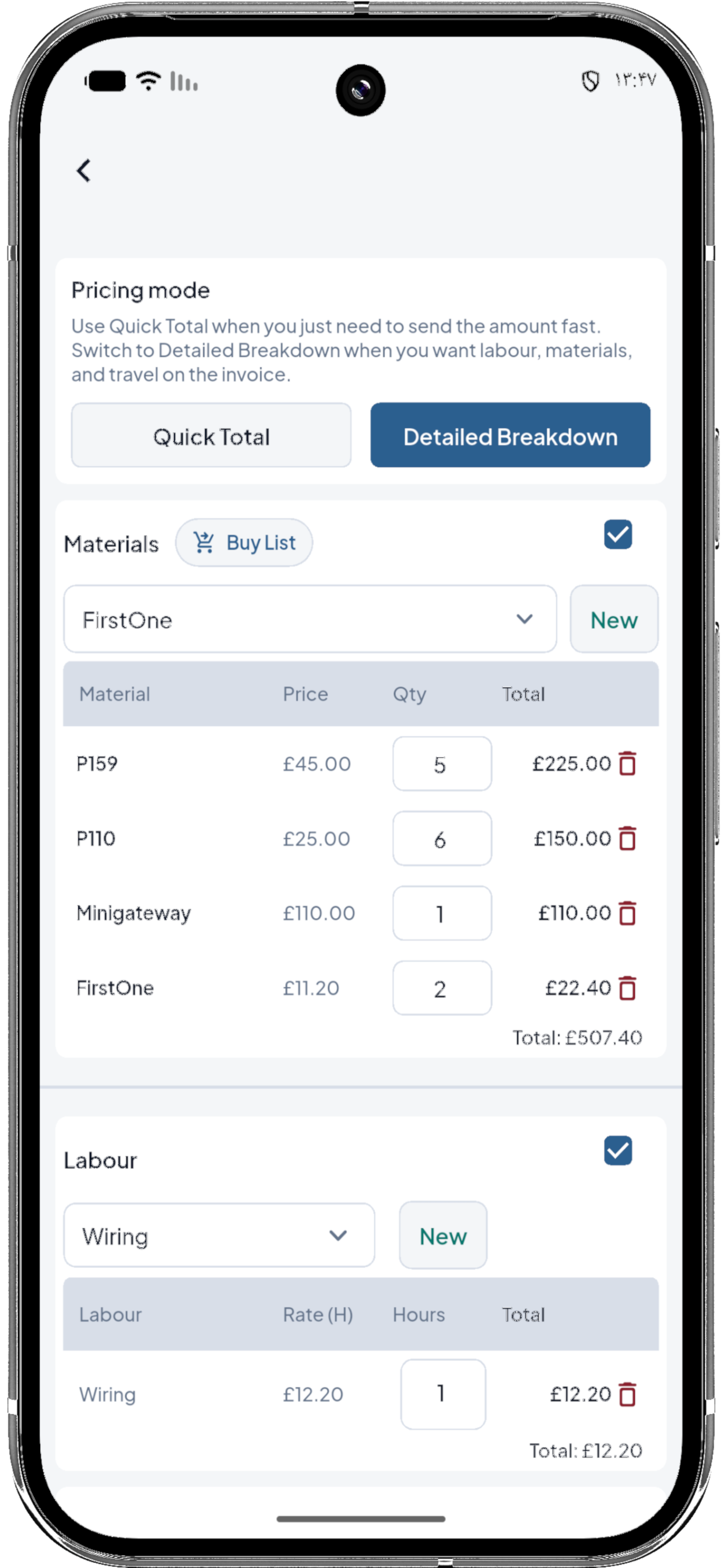
Add quick totals or detailed materials, labour, and travel.
For solo tradesmen
Virgol keeps the day-to-day workflow in one place: quote the job, track hours and costs, save job files, finish the work, invoice, and record payment.
iPhone, iPad and Android ready.
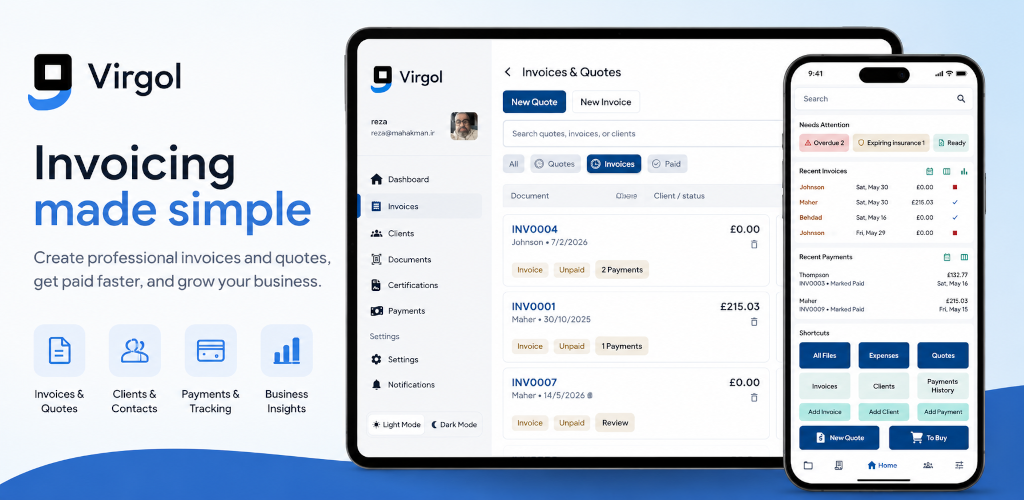
Virgol is built around the real job path for plumbers, electricians, builders, handymen, decorators and other solo tradesmen: customer, quote, hours, files, finish-work proof, invoice and payment.
Add quick totals or detailed materials, labour, and travel.
Share the quote, mark it sent, then accept it when the client confirms.
Turn accepted quote materials into a practical list for the next job.
Keep labour, travel, materials and time connected to the work.
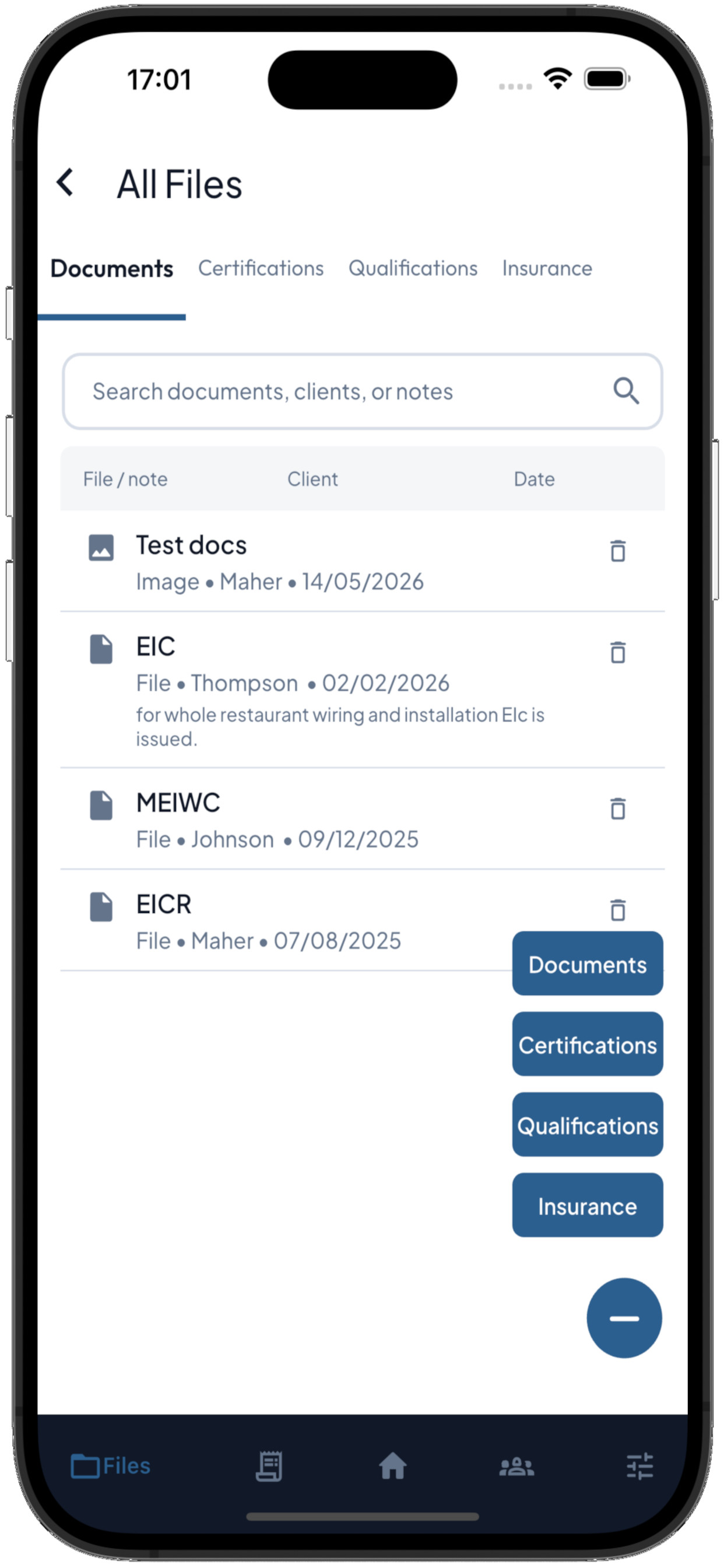
Keep receipts, certificates, photos, insurance and job documents easy to find.
Finish the work, create the invoice and record payments in one place.
The app also covers the small records that decide whether admin is easy later: proof, receipts, hours, files, and what still needs attention.
Keep a record of completed work and proof so the job history is clear later.
Use trackers and work-hour records to see time spent and support invoice totals.
Save documents, photos, certificates, qualifications and insurance in the files area.
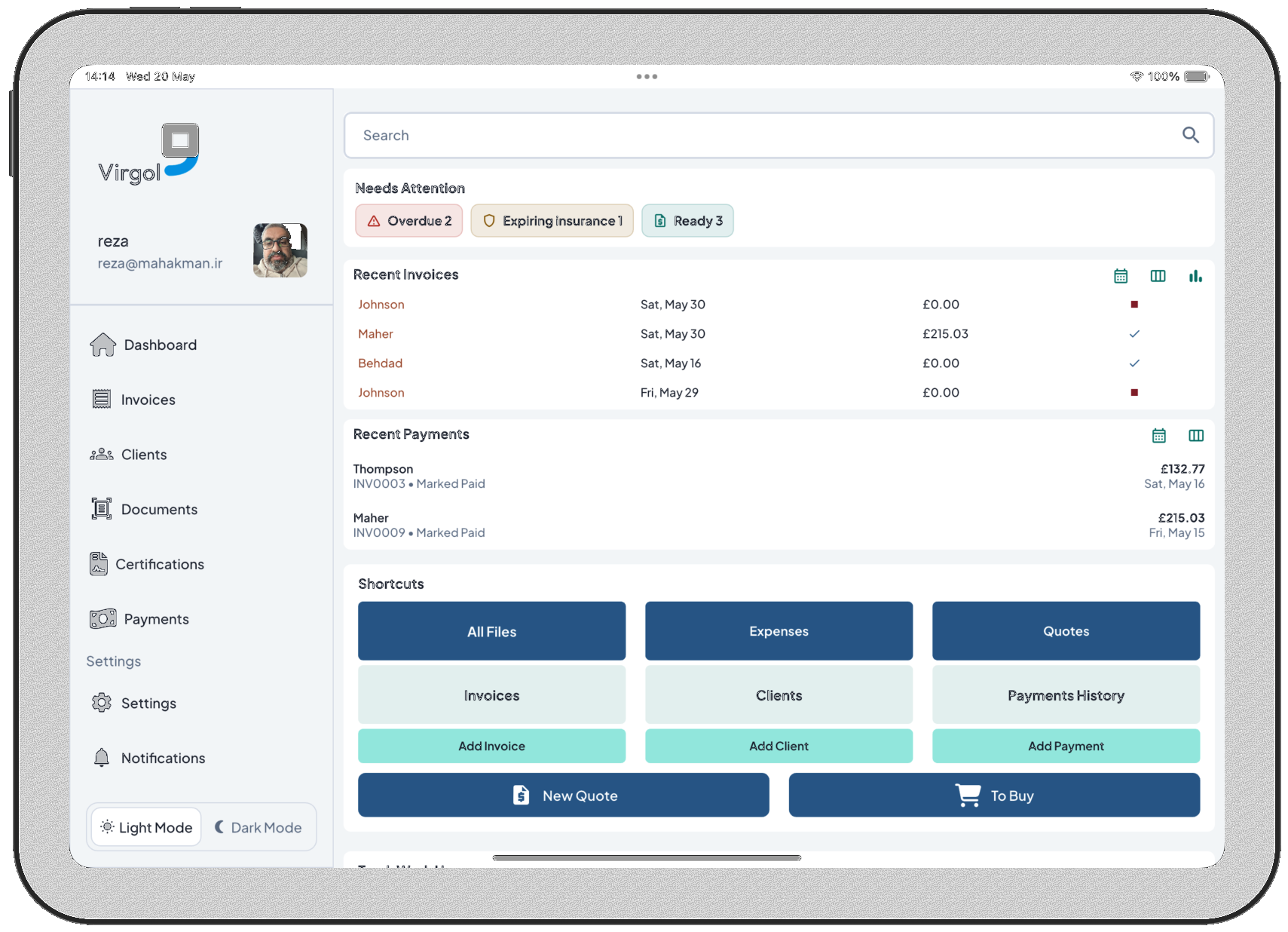
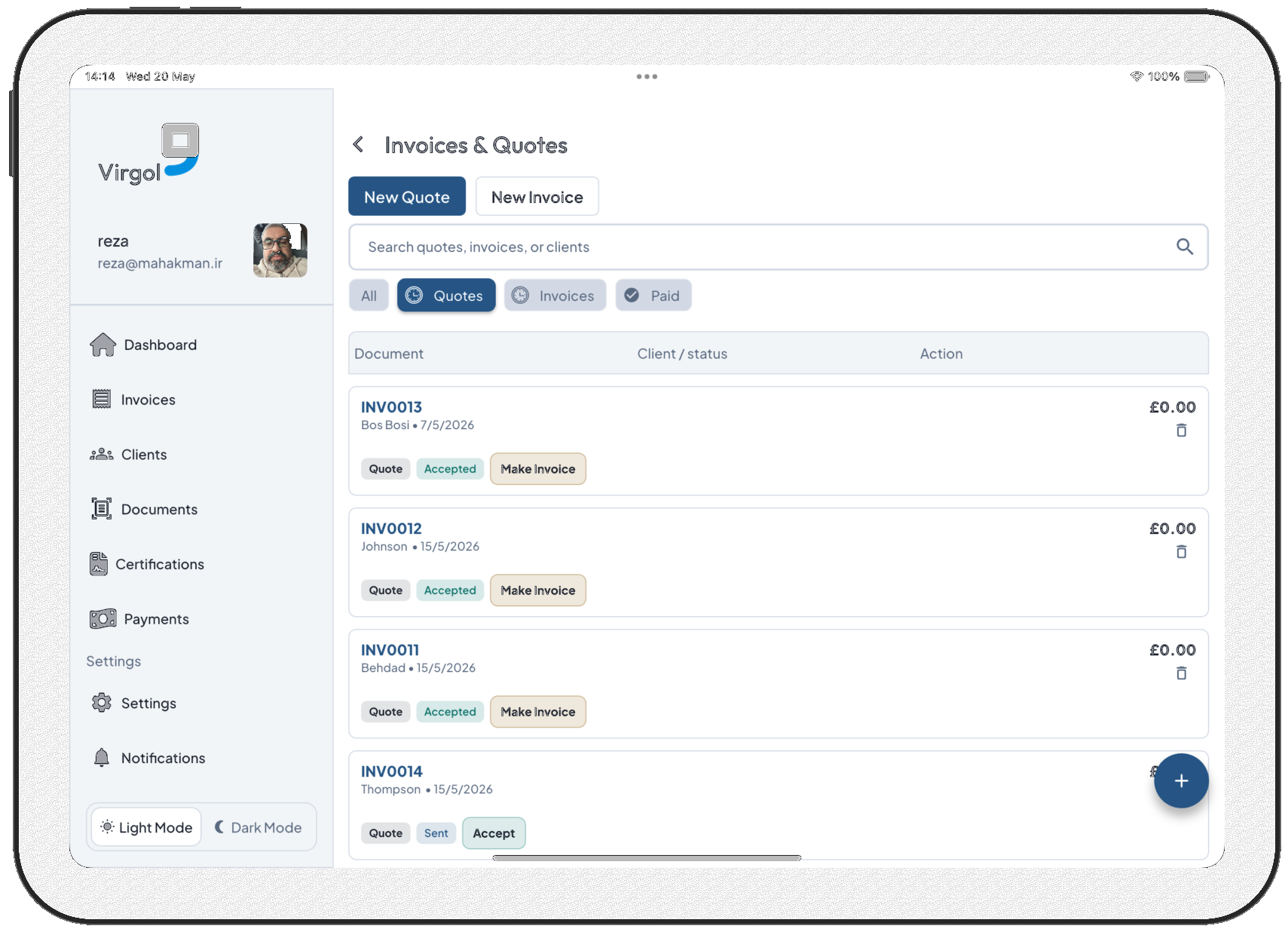
A scrolling gallery of the core screens: dashboard, quotes, invoices, clients, files, payments, reports, and iPad layouts.
Swipe or use the arrows to explore the app.
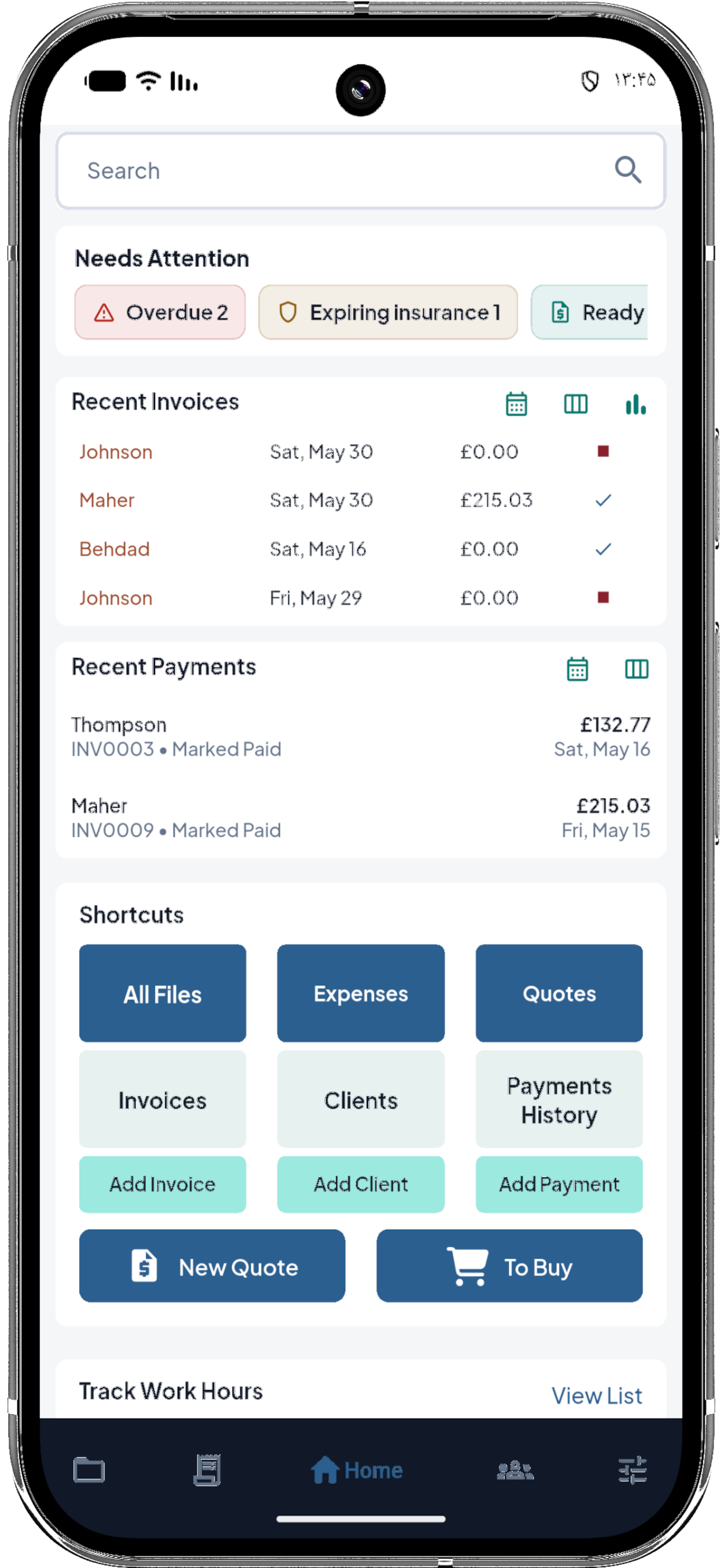
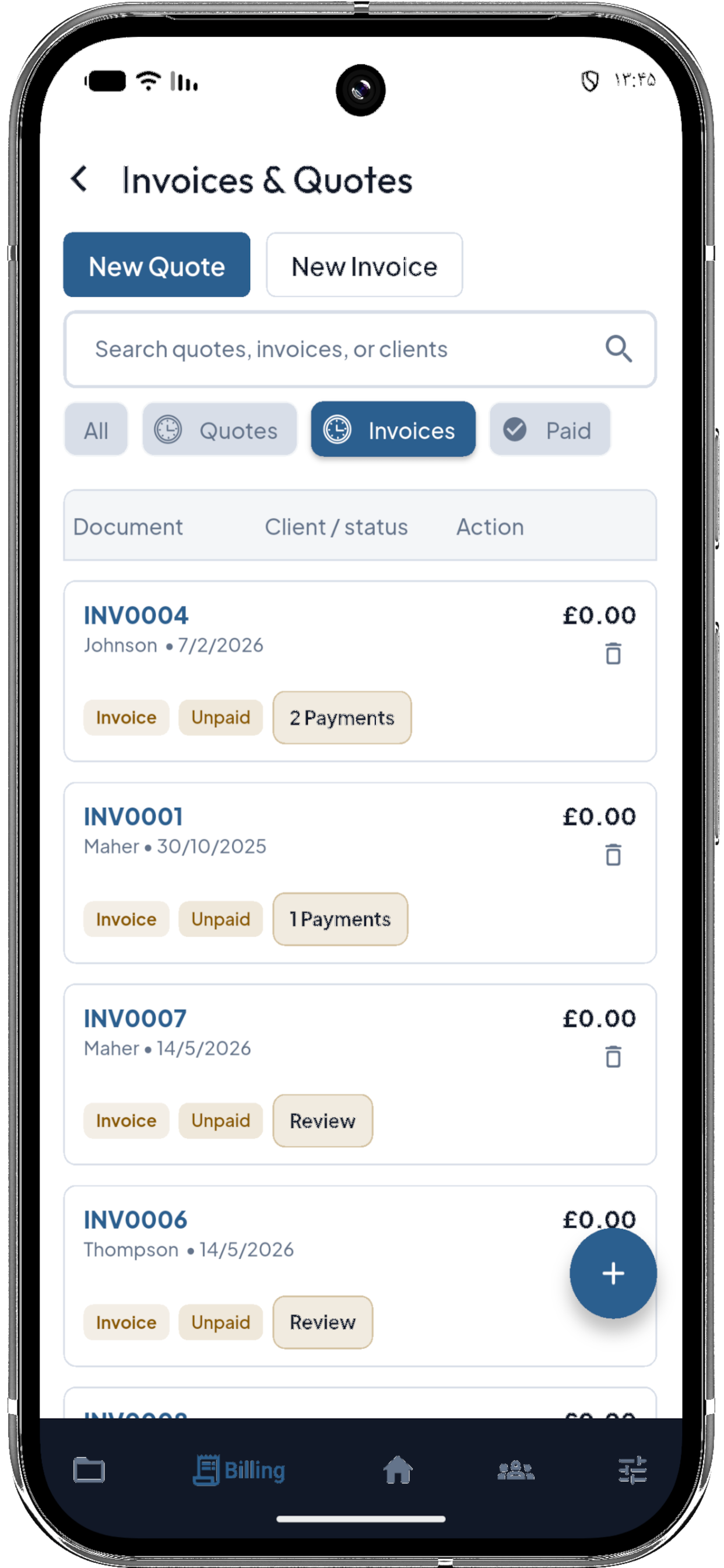
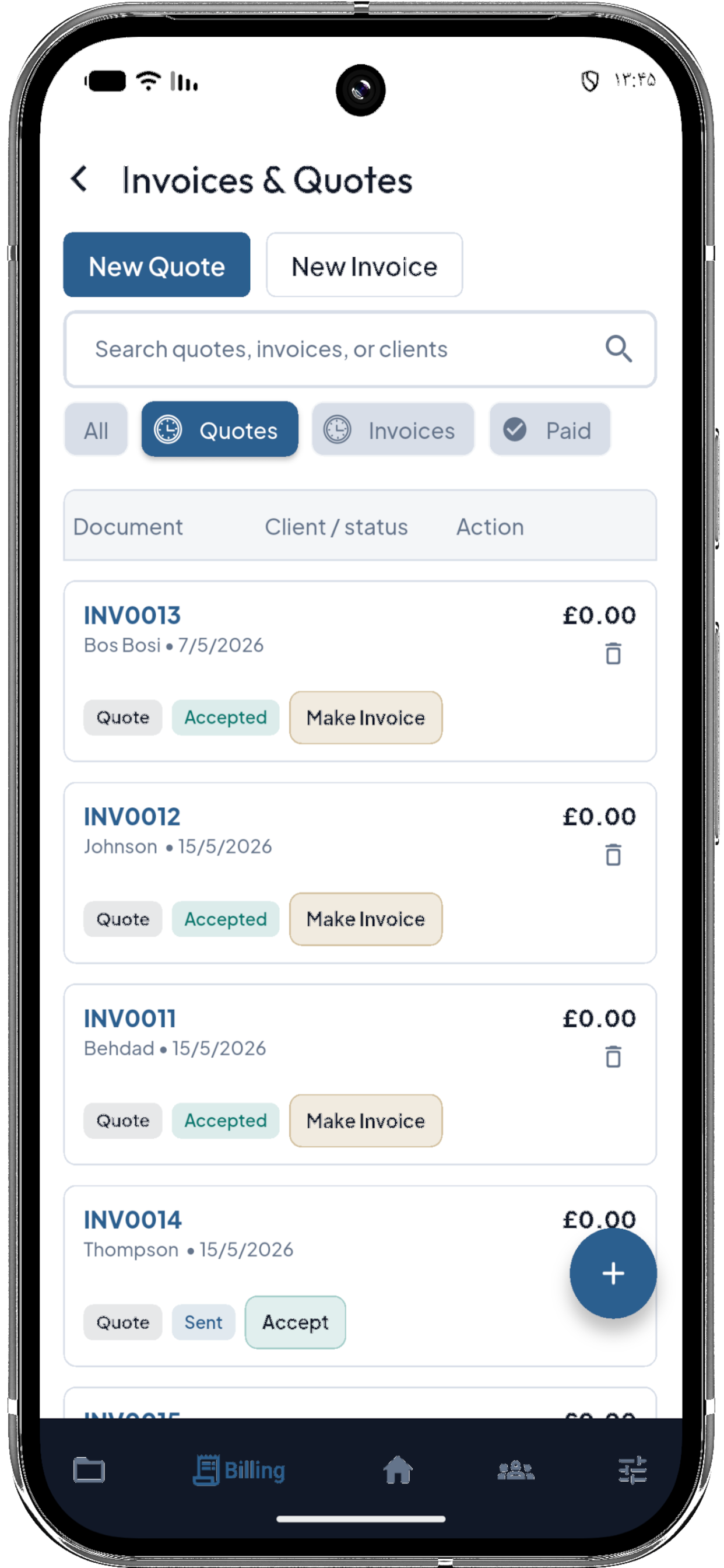
Virgol avoids heavy office software and focuses on the records a sole trader actually needs during and after the job.
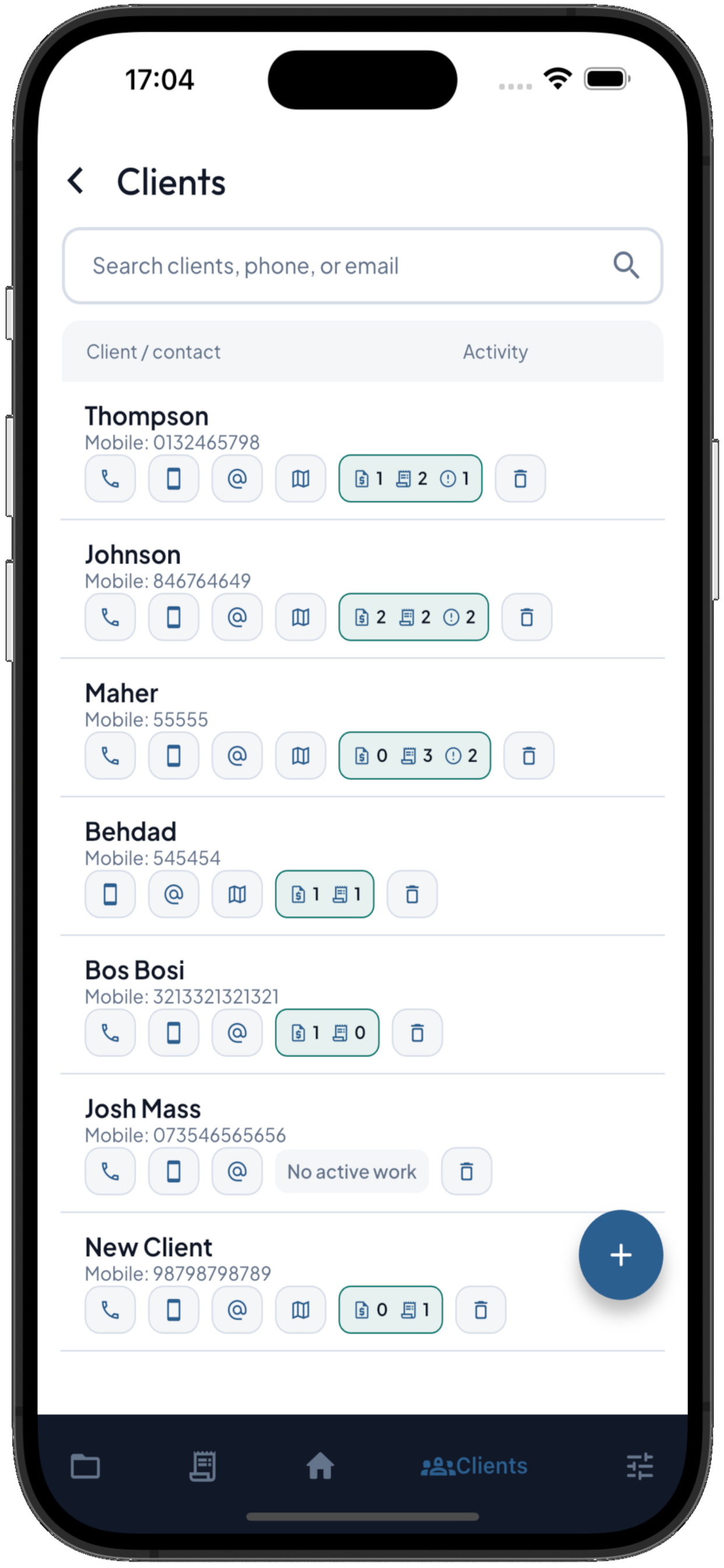
Keep phone, email, address, and recent activity close to the job record.
Create quotes, mark accepted work, convert to invoices and send PDF records.
Store job files, qualifications, certifications, insurance and expiry reminders.
Record costs, scan receipt details and keep the receipt trail with the job admin.
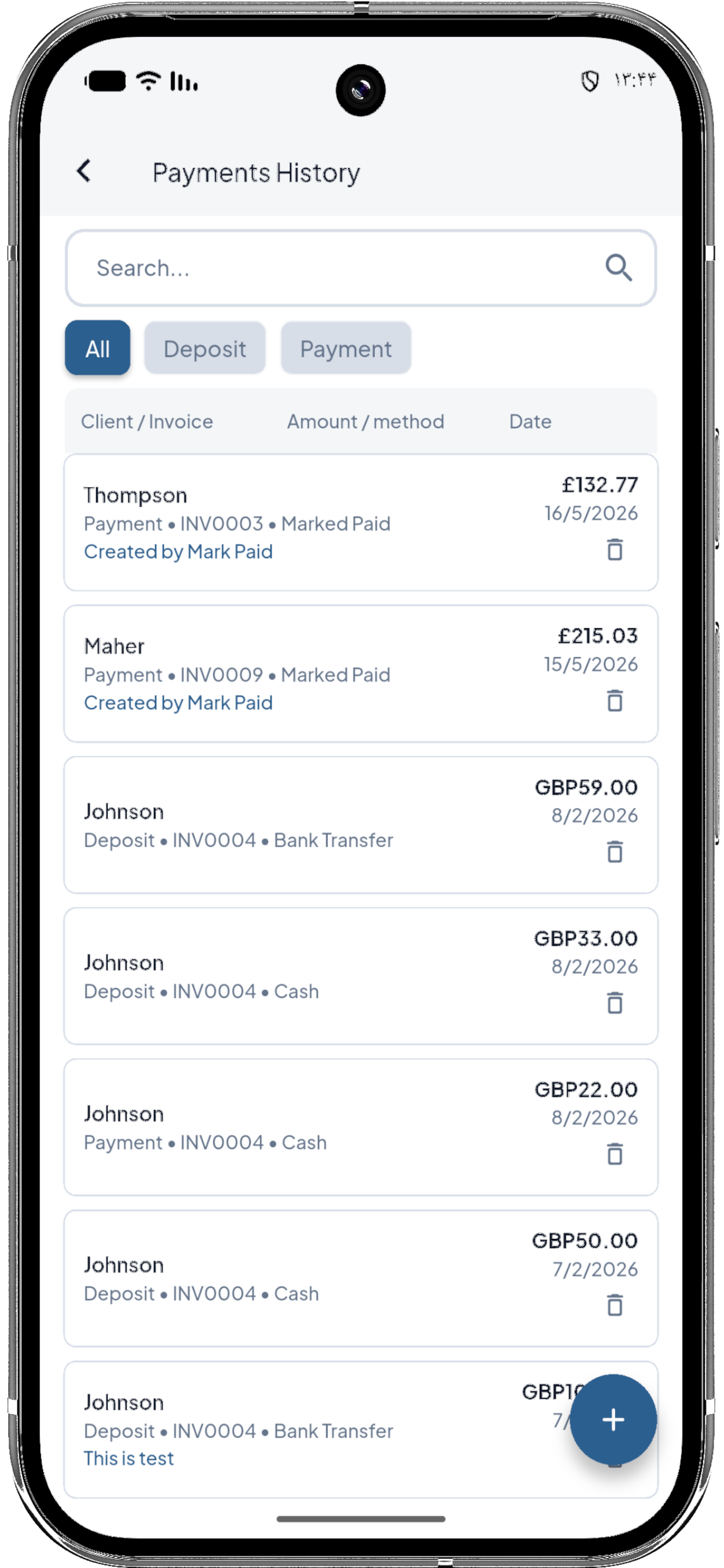
Mark invoices paid, record deposits, and keep payment history visible.
Add labour, hourly rates and travel so job costs are not trapped in memory.
Convert quote materials into a practical shopping list before the next job.
Track completed work and keep proof connected to the customer history.
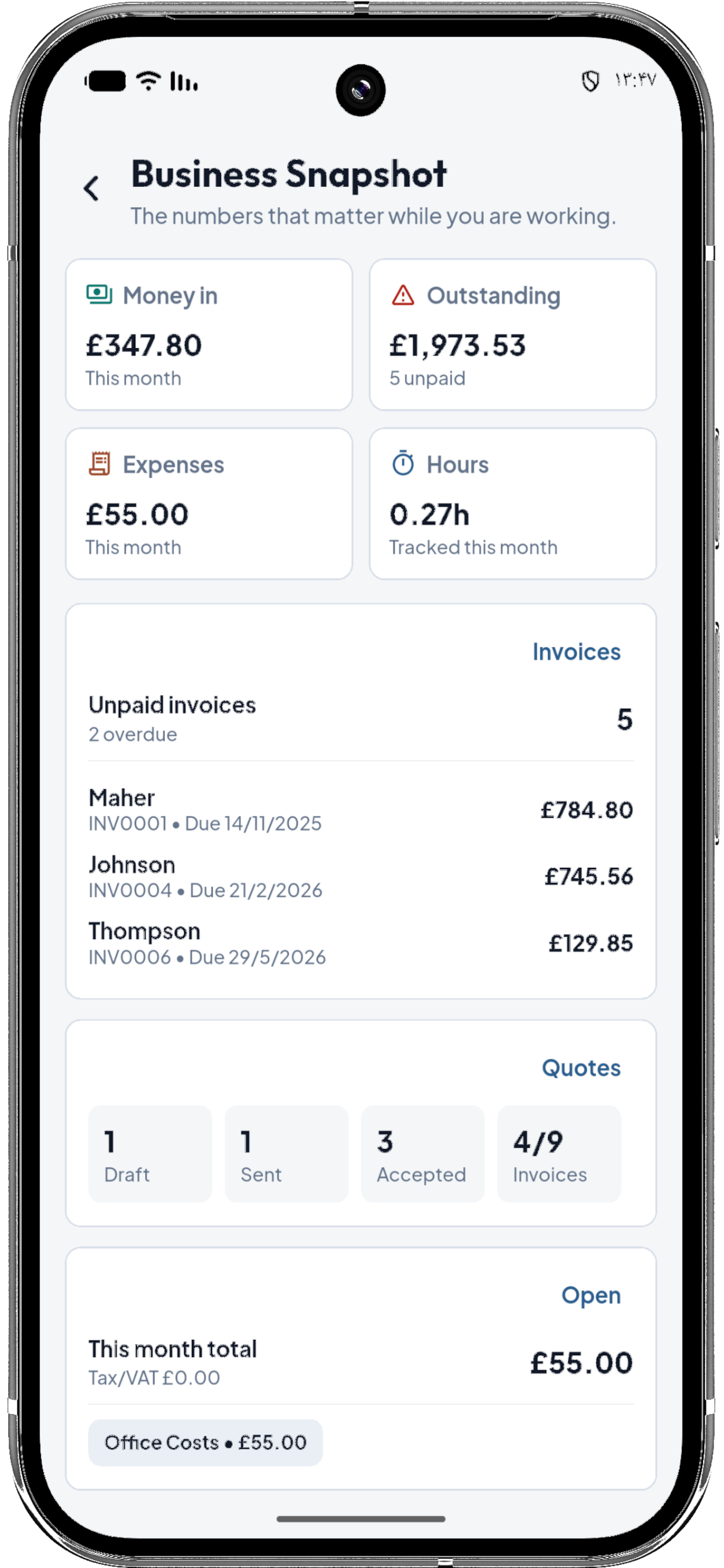
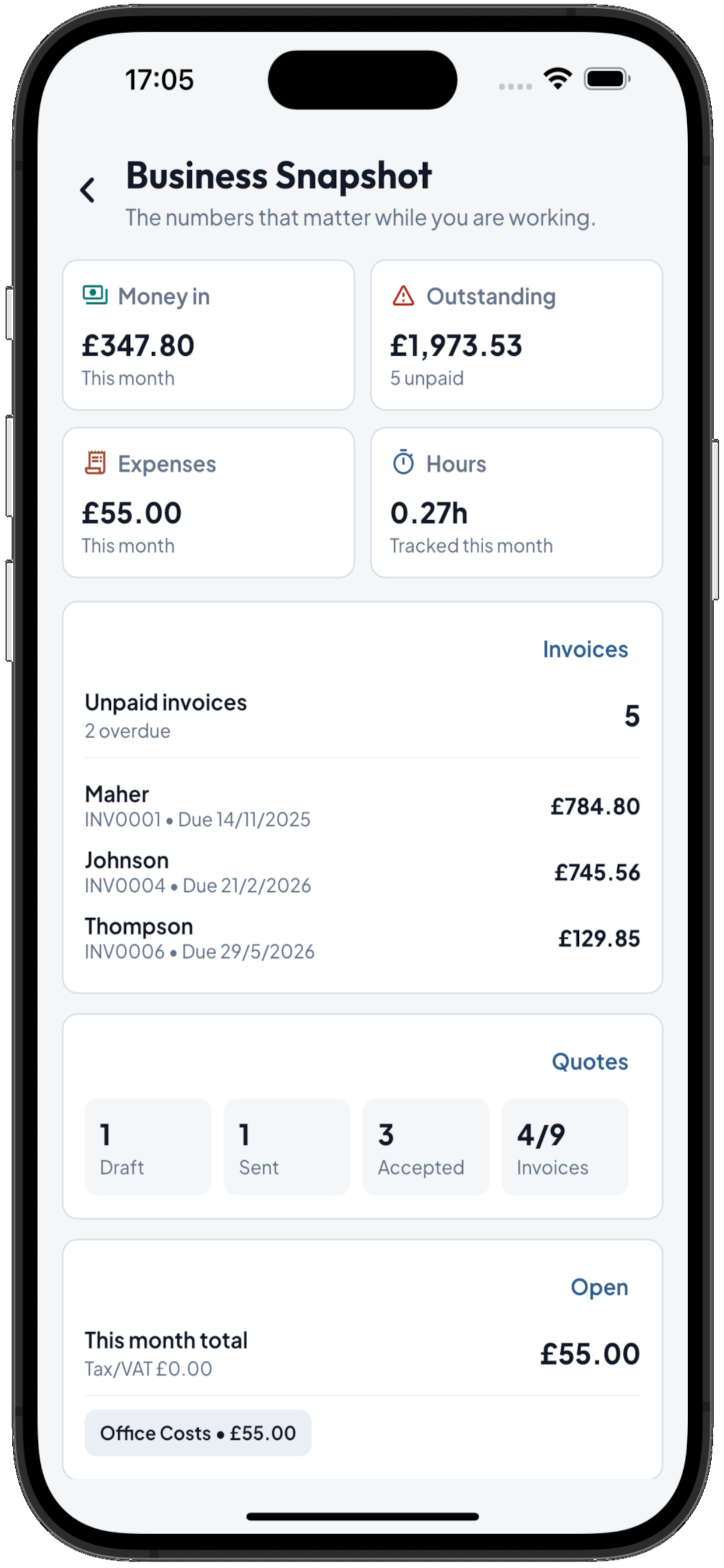
See money in, outstanding invoices, expenses, quote status, and tracked hours.
Install Virgol from the app stores and try the core workflow first. Supported areas include free usage before a subscription is needed for more new work, and current plan options are shown inside the app.
Create initial quotes, invoices, clients, payments, expenses and To Buy lists before choosing a paid plan.
Subscription choices are handled in the app, including monthly, three-month and yearly options where available.
Your saved records remain available while Virgol Pro controls creating more new work after the free allowance.
These pages help customers and search engines find the exact Virgol workflow they are looking for.
Create invoices, record payments and keep client history visible.
Build quotes with materials, labour and travel before converting accepted work.
Capture expenses and keep receipt proof with your business records.
A focused page for plumbers comparing invoice tools.
A few practical details before you start using Virgol on site.
Solo tradesmen and small operators who want quotes, invoices, files, and payments without running a full office stack.
Yes. The app is phone-first, with wider layouts for iPad and tablet review.
Yes. Supported work areas include free usage before a subscription is needed for more new records.
Receipts, photos, PDFs, job documents, certificates, qualifications and insurance records can be kept in the app.
Yes. Virgol includes trackers and work-hour records that help you review time and support invoice totals.
Yes. You can request account and data deletion from inside the app or from the deletion page.
Create the quote, send it, accept it, invoice it, and keep the record together.